When I first started my career in digital marketing about seven years ago, I was drowning in chaos. I had sticky notes scattered across my desk, emails buried in my inbox, and deadlines constantly sneaking up on me. That was until I discovered productivity apps, and honestly, they changed everything about how I work. Today, I want to share what I have learned with you so you can avoid the mess I went through.
The truth is, productivity apps are no longer luxuries. They have become essential tools in our modern work environment. Whether you work from home, manage a team, run your own business, or you are a student juggling multiple classes, these applications can help you stay organized, focused, and on top of everything. But here is the thing that nobody really talks about: having too many apps is just as bad as having none. It is all about finding the right combination that works for your specific lifestyle.
Understanding Productivity App Categories
Before diving into specific recommendations, let me explain the different types of productivity apps available. This will help you understand what each category does and why you might need it.
Task and To-Do Management Apps are the foundation of most productivity systems. These apps let you create lists, set priorities, and track what you need to do. I started with a simple notebook, but that only worked until I had more than twenty tasks running at once. Apps like Todoist revolutionized how I manage my daily tasks because they allow me to break everything down into smaller, manageable pieces. The beauty of these apps is that you can organize tasks by project, priority, or deadline, and many of them even send you reminders so nothing falls through the cracks.
Project Management Applications go several steps beyond simple to-do lists. These are designed for teams or complex projects with multiple moving parts. If you are working on anything that involves other people, deadlines, and deliverables, a project management tool is essential. These apps show you the big picture while allowing team members to see their individual responsibilities. They typically include features like Gantt charts, kanban boards, and progress tracking that help ensure everyone stays aligned.
Time Tracking and Focus Tools address a different problem altogether. Many of us know what we need to do, but we struggle with actually focusing on it. These apps help you understand where your time is going and provide features that help you concentrate. The Pomodoro Technique has gained massive popularity through apps because it works. You work for twenty-five minutes with complete focus, take a five-minute break, and repeat. Apps like Forest gamify this experience by growing virtual trees while you stay focused, which is surprisingly motivating.
Note-Taking and Documentation Apps are for capturing ideas and information quickly. I cannot tell you how many brilliant ideas I have forgotten because I did not write them down immediately. Modern note-taking apps sync across devices and allow you to search through your notes easily. Some people organize their entire lives in these apps, using them as a personal knowledge management system.
Calendar and Scheduling Apps keep you from double-booking yourself and help you understand how your time is actually allocated. Beyond just scheduling meetings, these apps can help you block time for focused work, see your team’s availability, and manage your entire day at a glance.
Top Productivity Apps I Have Actually Used
Let me share some real experiences with apps I have personally used or researched extensively.
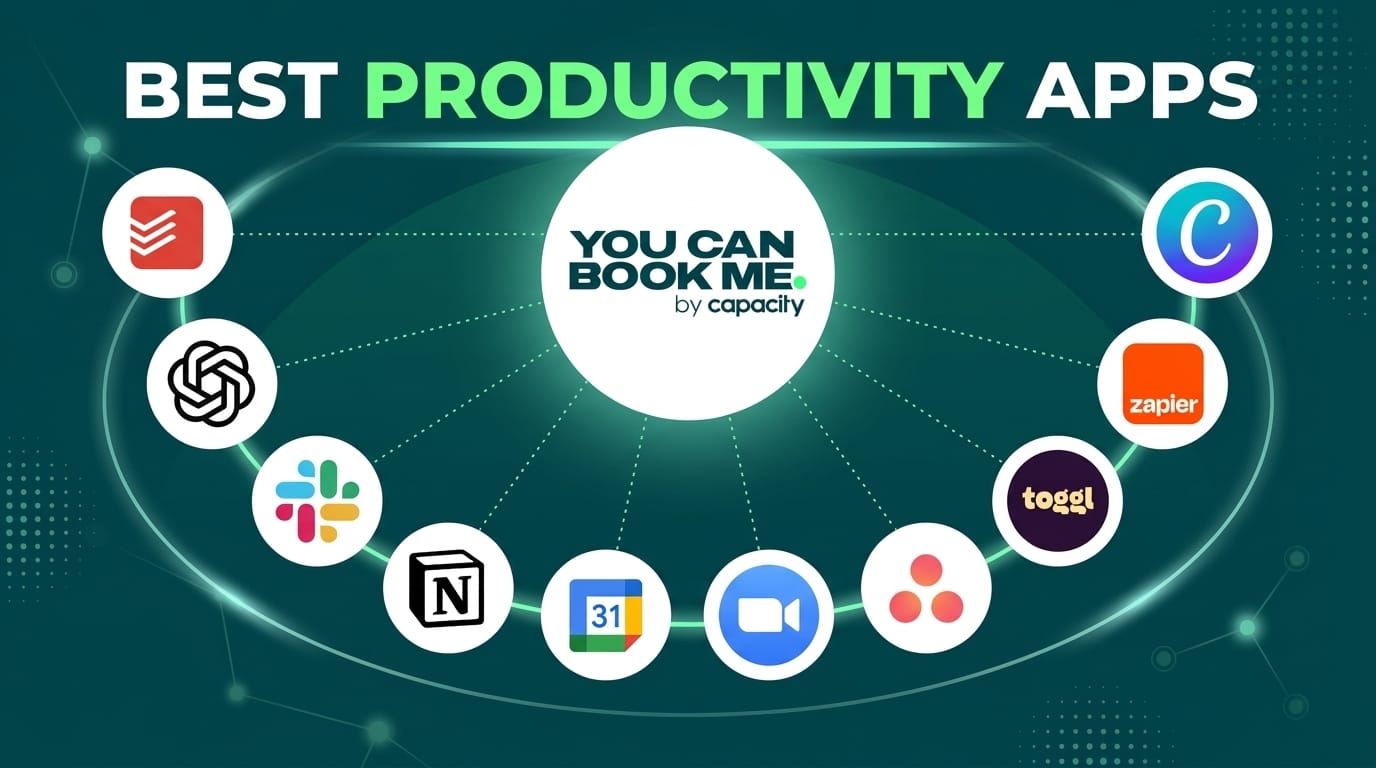
Todoist was my entry point into serious productivity management. I started with the free version, and it was genuinely helpful. You can create recurring tasks, set priorities using a color system, and build templates for recurring projects. What impressed me most was the philosophy behind it. The app encourages you to get everything out of your head and into the system, which reduces mental load significantly. I remember my stress levels dropping noticeably once I started using it properly. The paid version adds even more features like labels, filters, and automation, but honestly, the free version solved most of my problems.
Notion is more of a personal operating system than just a productivity app. When I first opened Notion, I will admit I was overwhelmed. It is incredibly powerful but has a steep learning curve. However, once you understand how to use it, you can create almost anything. I have seen people use Notion for project management, note-taking, database management, and even running their entire business. The flexibility is incredible, though it might be overkill if you just need a simple to-do list.
Asana is what I recommend to teams looking for project management. The interface is clean and intuitive, and it handles complex workflows well. I appreciated how you can view projects in different ways depending on what you need. Sometimes you want a list view for quick scanning, sometimes you want a timeline to see when everything is due, and sometimes you want a kanban board to see the status of tasks. Asana handles all of these beautifully.
Forest is my go-to app when I really need to focus. The concept is simple but effective. You plant a virtual tree, set a timer for how long you want to work, and if you leave the app before the timer ends, the tree dies. It sounds silly, but there is something about that little virtual tree that makes me want to stay focused. They have also partnered with real tree-planting organizations, so every time you grow a virtual forest, they plant actual trees. I have contributed to planting over a hundred trees through this app.
RescueTime runs in the background and tracks everything you do on your computer. Some people find this invasive, but I found it incredibly eye-opening. After using it for a month, I discovered that I was spending way more time in email than I realized. That insight alone helped me change my habits and reclaim at least two hours per week. The app generates reports that show you exactly where your time goes, and you can set goals for different activities.
Slack changed how teams communicate. Before Slack, I worked at a company that relied heavily on email, and it was a nightmare keeping track of conversations. Slack brings everything into one place with different channels for different topics. You can search through old conversations, integrate it with hundreds of other apps, and reduce email overload significantly.
Choosing the Right Productivity App for Your Needs
This is where I want to get really practical because choosing the wrong app can actually hurt your productivity instead of helping it. I have made this mistake multiple times by getting excited about a new app and then abandoning it after a month.
Start by honestly assessing what your biggest challenges are. Are you struggling to remember everything you need to do? Then a task management app is your priority. Are you spending too much time in meetings without clear outcomes? Then a project management tool might help. Are you getting distracted easily? Maybe a focus app is what you need. Do not try to solve all your problems with one app because you will likely end up solving none of them.
Consider your budget carefully. While many excellent free apps exist, paid subscriptions offer additional features that might be worth the investment. I typically recommend starting with free versions to test if an app actually works for you before paying. Some apps I thought I would love became useless after a week, and I am glad I did not pay for them immediately.
Think about what other tools you already use. If your team uses Google Workspace, then apps that integrate with Google Drive, Gmail, and Google Calendar will work better for you. If you are in the Apple ecosystem, you might want apps that sync across all your devices seamlessly. Integration matters more than people realize because it determines whether you will actually use the app consistently.
Pay attention to the user interface and how the app makes you feel when you use it. I have found that if an app feels clunky or unintuitive, I will not use it no matter how powerful it is. However, if an app feels good to use, I will stick with it even if it is not the most feature-rich option available. This is subjective and personal, so what works for me might not work for you.
Best Practices for Actually Using Productivity Apps
Here is something nobody tells you: having productivity apps installed does not make you productive. I learned this the hard way when I downloaded five different apps and used none of them consistently. The real magic happens when you develop systems around these tools.
Start by establishing a clear system that you understand completely. Write down exactly how you are going to use each app. For example, my system looks like this: I use Todoist for daily tasks and small projects, I use Notion for documentation and knowledge management, I use Google Calendar for scheduling, and I use Forest when I need deep focus. I do not use any other productivity apps because that would create confusion.
One of the biggest mistakes people make is trying to use too many apps simultaneously. This creates a coordination nightmare where you are not sure where information is stored or which app is the source of truth. I recommend starting with just one or two apps and only adding more if you have a specific need that the existing apps do not address.
Establish a daily routine around your productivity system. I check Todoist every morning for about five minutes to see what I need to accomplish that day. This takes just a few minutes but ensures I start my day with clear direction. Then I use Forest for two focused work sessions in the morning, check Notion for any project information I need, and at the end of the day, I update all my tasks and plan for tomorrow.
Do not get caught in the trap of constantly tweaking your system. I have seen people spend more time organizing their productivity system than actually being productive. Set up your system, use it for at least two weeks, and only then decide if changes are needed. Most systems need time to prove their value.
Measure what matters to you. If you are using a time tracking app, do not obsess over every minute. Instead, look at weekly or monthly trends to understand your patterns. If you are using a task management app, celebrate completing tasks and use that momentum to keep going. The numbers should motivate you, not stress you out.
Making It Work Long Term
The apps themselves are just tools. The real productivity comes from developing better habits and systems. I have seen people with the best apps in the world remain disorganized because they did not commit to actually using the systems.
Start small and build gradually. You do not need to overhaul your entire life overnight. Pick one productivity problem you want to solve and choose one app to solve it. Use that app for a month, then evaluate whether it is working. If it is, keep it. If it is not, try a different app. This approach is slower but much more sustainable than trying to change everything at once.
Be honest with yourself about your capacity. If you are already overwhelmed, adding complexity through complicated productivity systems will make things worse. Choose simple apps that you can understand quickly. As you get better at managing your work, you can graduate to more complex tools if needed.
Remember that different apps work for different people. Just because an app is popular does not mean it will work for you. I know incredibly productive people who use nothing but pen and paper, and I know others who use elaborate digital systems. The best app is the one you will actually use consistently.
Frequently Asked Questions
Which productivity app is best for beginners?
Todoist is my top recommendation for beginners because it is simple to understand but powerful enough to grow with you. The interface is clean, and you can learn the basics in about five minutes. Start with the free version, and if you love it after a month, consider upgrading to the paid version for additional features.
Can I use multiple productivity apps together?
Yes, you can, but be careful not to create confusion. I recommend having a clear reason for each app you use and understanding exactly how they work together. Too many apps can actually reduce productivity instead of increasing it.
Are free productivity apps good enough?
Absolutely. Many free apps are excellent and solve the main problems that paid apps address. However, paid versions typically offer more advanced features like automation, additional integrations, and priority customer support. Start with free versions and upgrade only if you need the additional features.
How long does it take to see results from productivity apps?
Most people see some improvement within the first week simply because having a system reduces stress and mental load. However, the real benefits come after a month or more when you develop habits around using the app. Stick with it for at least a month before deciding if an app is working for you.
Which app is best for remote teams?
Asana, Monday.com, or Slack are all excellent for remote teams. The best choice depends on your specific needs, budget, and existing tools. I recommend trying free trials of multiple options before making a decision.
Should I use one comprehensive app or multiple specialized apps?
This is personal preference. Some people love having one app that does everything, while others prefer using specialized apps that do one thing really well. I prefer the latter approach because I find specialized apps tend to be more intuitive and easier to use.
Conclusion
After years of experimenting with different productivity systems and apps, I have learned that there is no one size fits all solution. What matters most is finding tools that align with how you naturally work and then committing to using them consistently. The productivity apps I have shared in this article have genuinely helped me and thousands of others become more organized and focused, but they will only work for you if you actually use them.
Start with an honest assessment of your biggest productivity challenge. Is it remembering everything you need to do? Then start with a task manager. Is it staying focused? Then start with a focus app. Is it managing a team? Then start with a project management tool. Choose one app, learn it thoroughly, and use it for at least a month before adding anything else.
Remember that productivity is not about working harder. It is about working smarter, knowing what truly matters, and eliminating the distractions and confusion that waste your time. Productivity apps are tools that help you do exactly that, but only if you use them correctly. I hope this guide helps you find the right tools for your situation and start your journey toward better productivity today.