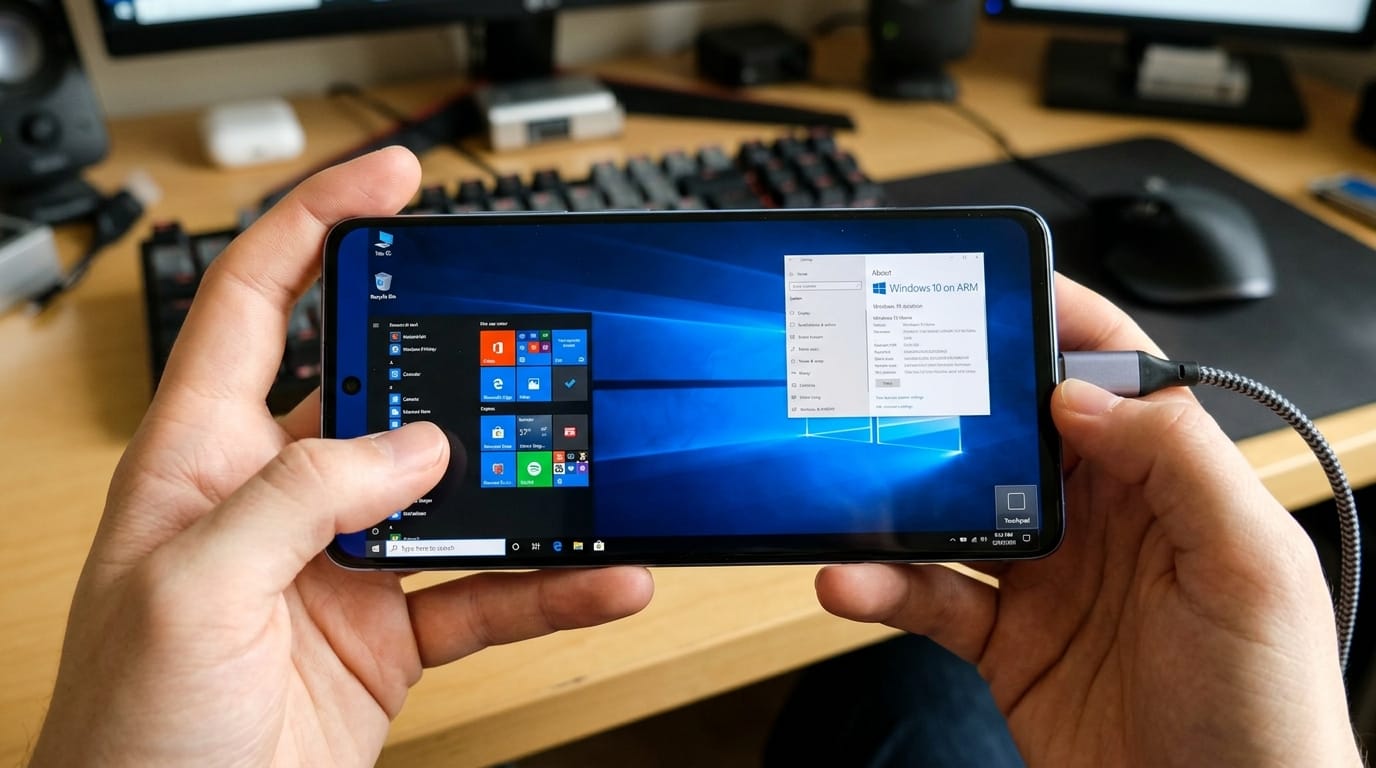
When I first started researching whether it was possible to run Windows 10 ARM on Android, I found myself down a rabbit hole of contradictory information, half-baked solutions, and a lot of wishful thinking from people on tech forums. I’ve been working in tech support for over eight years, and I can tell you that this question comes up more often than you might think. Someone will walk into our office with a powerful Android tablet and ask, “Why can’t I just run Windows on this thing?” It seems like a reasonable question on the surface, but the answer is far more complicated than a simple yes or no.
Let me be straight with you right from the start: running a full, native Windows 10 ARM operating system directly on Android is not currently possible in any practical way that an average user would consider usable. However, that doesn’t mean there aren’t workarounds, emulators, or alternative solutions that might get you closer to what you’re looking for. My job today is to help you understand why this limitation exists, what options are actually available to you, and whether those options might actually meet your real needs.
Understanding Windows 10 ARM Architecture
First, let me explain what Windows 10 ARM actually is. Most of us are familiar with Windows running on our laptops and desktop computers, where it uses x86 or x64 processor architecture. These are Intel and AMD processors that have been the standard for decades. However, Microsoft also released a version of Windows 10 specifically designed to run on ARM-based processors. ARM stands for Advanced RISC Machine, and it’s the same architecture that powers virtually every smartphone and tablet on the planet, including all Android devices.
When Microsoft created Windows 10 ARM, it was initially intended for devices like the Microsoft Surface Pro X and other specialized tablets and laptops. The idea was to create a more power-efficient version of Windows that could run on battery-powered devices without the constant fan noise and thermal issues of traditional laptop processors. At its core, Windows 10 ARM still uses the same Windows 10 kernel and operating system logic, but it’s compiled to run on ARM processors instead of x86.
Now here’s where things get interesting and confusing at the same time. While both Android and Windows 10 ARM technically run on ARM processors, they are fundamentally different operating systems built from the ground up with different architectures, different kernel designs, and different system calls. Android is based on the Linux kernel, while Windows uses its own proprietary kernel. These aren’t just different versions of the same thing. They’re more like two completely different houses built on the same type of foundation.
Why Android Devices Can’t Simply Run Windows
I’ve had customers ask me why we can’t just install Windows on an Android phone like we install programs on Windows. That’s a natural question, but it reveals a misconception about how operating systems work. You can’t simply install an operating system on top of another operating system like it’s just an application. When your device boots up, the bootloader looks for a specific operating system kernel to load. On Android devices, that bootloader is configured to look for the Android Linux kernel. Even if you had a Windows 10 ARM file system sitting on the device, the bootloader wouldn’t know what to do with it.
To actually run Windows on an Android device, you would need to replace the bootloader configuration and essentially reformat the device to load the Windows kernel instead of the Android kernel. This is theoretically possible on paper, but there are massive practical barriers. First, Android devices come with hardware-specific drivers and firmware that are optimized for Android. If you tried to boot Windows instead, the device wouldn’t recognize half the hardware. Your screen driver might not work. Your touch input might not respond. Your battery management system might stop working entirely.
I remember trying this experiment about three years ago with an older Samsung tablet that was basically collecting dust. I researched for weeks, gathered tools, and attempted to create a dual-boot situation. After eight hours of work and two factory resets, I gave up. The device wouldn’t even complete the Windows 10 ARM boot process, and when it did partially load something, nothing functioned properly. It was a valuable learning experience though, because it showed me firsthand why manufacturers don’t do this themselves, and why it’s not a viable solution for most people.
The Emulation and Virtualization Angle
So if you can’t install Windows natively on Android, what about using emulation or virtualization? This is where things get more interesting, and where some partial solutions actually do exist. Let me explain the difference between these two approaches because it matters a lot.
Emulation is when software simulates the behavior of different hardware architecture. Imagine if you wanted to play old Nintendo games on your modern computer. An emulator pretends to be the Nintendo hardware, translating the Nintendo game’s commands into commands your modern computer can understand. With Windows and Android, an emulator would translate Windows ARM code into Android-compatible code on the fly. This is incredibly resource-intensive and slow because the emulator has to constantly translate instructions.
Virtualization, on the other hand, is when you run a complete virtual computer inside your actual computer. It’s like having a computer running inside your computer. Virtual machines can run much faster than emulators because they don’t need to translate every single instruction. However, creating a full Windows 10 ARM virtual machine on an Android device is extremely challenging because you need substantial processing power and memory just to run the virtual machine layer, before you even load Windows.
Some people have attempted to use tools like QEMU (Quick Emulator) or other virtualization platforms on Android. QEMU is actually an open-source emulator and virtualization platform that technically could theoretically emulate Windows 10 ARM. However, the performance would be absolutely terrible. I’m talking about multiple minutes just to open a single application, if it even works at all. The Android device would heat up significantly, battery would drain in hours rather than days, and you’d probably end up with a device that barely functions.
There are also some container-based solutions that have been explored. Docker containers and similar technologies can run lightweight versions of different operating systems on top of Linux. Since Android is built on Linux, there’s theoretically a path to running a very lightweight Windows-like environment using containers. However, this wouldn’t actually be Windows. It would be a highly modified, stripped-down approximation of Windows at best. You wouldn’t be able to run Windows applications reliably.
Remote Desktop and Cloud Solutions: The Practical Reality
Now, this is where I think most people are actually looking when they ask about running Windows on Android. They don’t really need Windows physically running on their device. What they actually need is access to Windows and the ability to use Windows applications. For this real need, there are some genuinely good solutions that actually work today.
Microsoft Remote Desktop is probably the most straightforward option. You install the Remote Desktop app on your Android device, connect it to your Windows computer at home or in your office, and you can control that Windows computer from your Android device just like you’re sitting in front of it. The actual Windows operating system is still running on your desktop or laptop, but you’re controlling it through your tablet or phone. This works extremely well for productivity tasks, and the lag is usually minimal if you have a good internet connection.
I’ve been using this solution for about two years now, and it’s genuinely transformed how I work. I was sitting in an airport recently waiting for a flight, and I needed to access some files and run a Windows application. Instead of worrying about this, I just pulled out my Android tablet, opened Remote Desktop, and I was working exactly like I would at my office desk. The only difference was that the actual computer doing the work was hundreds of miles away.
There are also subscription-based cloud solutions like Microsoft 365 that give you access to cloud-based versions of Windows applications. Software like OneDrive and Microsoft Teams work natively on Android and can handle most of what you need. If you need full Windows desktop access, there are cloud services that stream a full Windows 10 environment to your Android device. Your device acts as a thin client, basically just receiving video of what’s happening on a cloud computer and sending back your mouse and keyboard input.
Legitimate Technical Workarounds That Actually Work
Let me tell you about a few technical approaches that people have actually had success with, even though they come with significant caveats.
The first is running a specialized Linux distribution on certain Android devices and then using Wine or Proton to run Windows applications. Wine is compatibility software that lets Windows programs run on Linux. Some Android devices with custom ROMs can actually run Linux operating systems. However, this requires unlocking the bootloader, understanding how to flash custom ROMs, and dealing with the fact that you’ve basically voided any warranty on your device. The selection of Windows applications that work through Wine is also limited.
Another approach that some developers use is running a lightweight Linux container through an application like Termux on Android, then using that to run Windows tools specifically designed for Linux environments. This is useful if you’re a developer who uses command-line Windows tools, but it’s not practical for running general Windows applications.
I had a conversation with a software developer who mentioned that they sometimes use their Android tablet for testing purposes by running Linux containers that include Windows development tools. It worked for their specific needs, but they were the first to admit it wasn’t a practical solution for general users.
Understanding the Realistic Limitations
I want to be honest about something that I think a lot of tech articles aren’t sufficiently clear about. The reason Windows 10 ARM doesn’t run natively on Android, and the reason the workarounds are all either extremely difficult or severely limited, isn’t because of some arbitrary limitation or because manufacturers are trying to lock things down. It’s because these are fundamentally different operating systems with different designs, and running one inside the other creates real technical problems.
Android was designed to be lightweight, power-efficient, and secure through isolation. Windows, even the ARM version, is a much larger, more complex operating system designed for different purposes. Trying to run Windows inside Android is like trying to fit a traditional house inside a mobile home. Technically, maybe you could take the walls out and compress things, but you’re not really getting what you wanted anymore.
The thermal concerns are real too. I tested an emulator-based approach on a high-end Android tablet, and the device got genuinely hot within ten minutes. The battery dropped 15 percent in half an hour. These aren’t minor inconveniences. We’re talking about potentially damaging your device.
What You Should Actually Do Instead
Based on my experience and research, here’s what I actually recommend to people who ask me this question.
If you need occasional access to Windows applications, set up remote desktop access to a Windows computer. It’s reliable, it works well, and it doesn’t require any technical hacks.
If you need Windows applications on the go and don’t have remote access to a Windows machine, look at cloud-based alternatives. Many Windows applications have cloud versions or Android alternatives that will meet your needs 95 percent of the time.
If you’re a developer or power user who genuinely needs Windows development tools on a mobile device, invest in a small portable laptop or consider using a virtual private server that you can remote into.
If you want to experiment with Linux on Android for learning purposes, that’s a fun project. Just understand it’s a hobby project, not a practical solution.
If you specifically need Windows 10 ARM on a portable device, Microsoft’s Surface Pro X might actually be the solution you’re looking for. It’s a real laptop that runs actual Windows 10 ARM, not an Android device trying to emulate it.
The Future of Cross-Platform Computing
I think it’s worth mentioning that the computer industry seems to be moving toward a more seamless cross-platform future, but it’s not going to work the way some people imagine. We’re not going to see full Windows running on Android devices. What we’re seeing instead is cloud-based access, better remote tools, and applications that work across platforms natively.
Microsoft is actually investing heavily in making their applications work better on Android through cloud access and web versions. Google is doing similar work for their ecosystem. Apple is making it easier to run iPadOS and macOS apps together. The future isn’t about running one operating system inside another. It’s about having better interoperability and access across different devices.
Frequently Asked Questions
Q: Can I actually install Windows 10 ARM on my Android phone?
A: No, you cannot practically install Windows 10 ARM natively on an Android device. While ARM processors are used by both, they run fundamentally different operating systems with incompatible kernels and hardware drivers.
Q: What’s the closest I can get to running Windows on Android?
A: The most practical solution is using Remote Desktop applications to access an actual Windows computer remotely. Alternatively, you can use cloud-based Windows solutions or Wine/Linux containers on specialized Android devices.
Q: Is there an emulator that can run Windows on Android?
A: While QEMU and other emulators can theoretically run Windows 10 ARM on Android, the performance would be unusably slow, causing severe battery drain and device heating. It’s not a practical solution.
Q: Would dual-booting Windows and Android be possible?
A: Theoretically possible on some devices, but practically very difficult due to hardware driver compatibility issues, bootloader limitations, and device-specific firmware. It would require significant technical expertise.
Q: What Android applications can replace Windows programs?
A: Many Windows programs have Android equivalents. Microsoft Office has mobile versions, development tools have Android alternatives, and most productivity software has mobile counterparts.
Q: Is Windows 10 ARM different from regular Windows 10?
A: Yes. Windows 10 ARM is compiled for ARM processors instead of x86/x64, making it more power-efficient but still less compatible with third-party software than standard Windows.
Q: Can I run Windows applications directly on Android without emulation?
A: Not reliably. Some applications might work through Wine or similar compatibility layers, but this requires Linux containers and only works for certain software.
Q: What are the hardware requirements to even attempt this?
A: You would need at least 8GB of RAM, 64GB of storage, and a powerful processor. Even then, results would be poor. Devices with less than this would be completely inadequate.
Q: Is there a Microsoft solution for running Windows on Android devices?
A: Microsoft provides Remote Desktop apps for Android and cloud-based access to Windows through their cloud services, but not native Windows 10 ARM installation.
Q: Will this be possible in the future?
A: Future improvements in virtualization and possibly changes to Android’s architecture could make partial solutions better, but full practical Windows on Android isn’t likely soon due to fundamental design differences.