There is a peculiar guilt that comes with buying a premium stargazing app. You spend the money, spin the shiny 3D sky a few times, and then the subscription sits there, renewed monthly, while you still can’t explain why the Moon looks orange near the horizon. The problem is that most paid apps are built to impress, not to teach.
Free, single-purpose astronomy tools do the opposite. Each one answers a single, concrete question. How big is that full Moon, really? How old would I be on Mars? What magnification is my telescope actually giving me? These are the questions that turn a casual glance at the sky into a habit, and the answers are free, instant, and live right in your browser with nothing to install.
Why a simple free tool beats an expensive app
A planetarium app wants to show you everything at once. A calculator wants to answer one thing well. That focus is exactly what beginners need, because astronomy starts as a pile of numbers that mean nothing yet. Light-years, parsecs, magnitudes, magnifications, all abstract until you run the maths yourself.
When you type your own birthday into a planetary age calculator and discover you are over 150 on Mercury, the concept of orbital period clicks in a way no paragraph can match. When you plug your telescope’s aperture and eyepiece into an optics calculator and see the real magnification, you stop trusting the inflated claims on the box. Tools make you the one doing the learning, and the learning sticks. They also work on any device, cost nothing, and never hide behind a paywall, replacing half of what a premium app claims to do.
The essential beginner toolkit
Start with the Moon. A moon phase calculator tells you the phase, the percentage illuminated, and the Moon’s age in the current cycle on any date. Planning a stargazing night? You want a new Moon or a thin crescent, because a bright full Moon washes out the faint stuff. Planning to observe lunar craters? You want a half Moon, when the terminator line throws long shadows across the surface. One quick check saves you from a wasted evening.
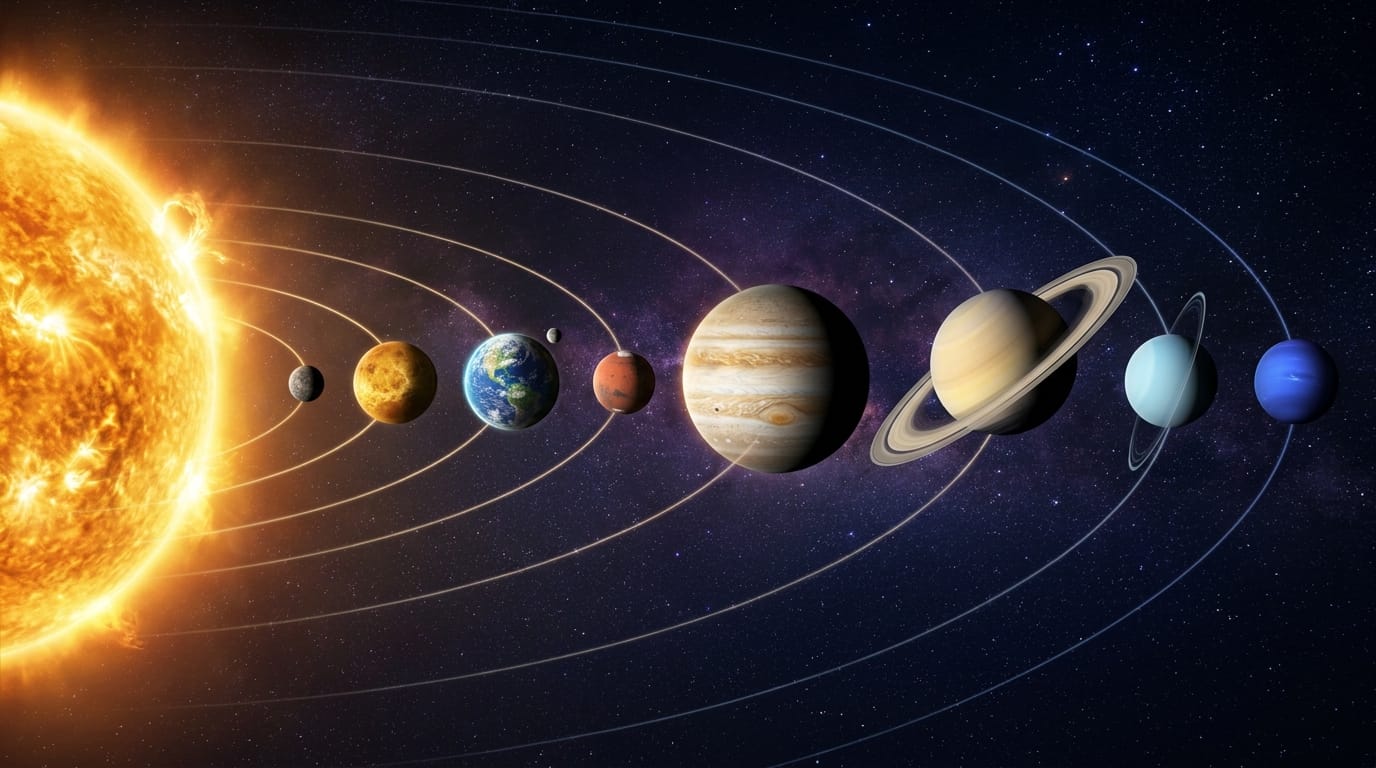
Next, try the planetary age calculator for the pure joy of it. Enter your date of birth and you instantly see your age on Mercury, Venus, Mars, Jupiter and the rest. Jupiter’s year is nearly twelve of ours, so you would barely be a toddler there. Neptune takes 165 years to orbit once, so nobody on Earth has lived a full Neptunian year. Try telling that to someone at a dinner party and not sounding interesting.
Distance converters are the third essential. A light-year and parsec converter lets you flip between units the way astronomers actually do, and an astronomy distance unit converter turns astronomical units, kilometres, miles and light-years into each other. Suddenly the numbers in articles start making sense, and you realise the difference between reading about space and actually picturing it.
Using calculators before you buy any gear
Here is where free tools save you real money. Before you spend a penny on a telescope or binoculars, spend an hour with a telescope optics calculator. Feed in the specifications of the instrument you are considering and its eyepieces to see the true magnification, the exit pupil, and the practical limits of what you are getting.
This matters because the advertising on cheap telescopes is famously dishonest. “675x magnification!” sounds impressive until the calculator shows you that the usable maximum is roughly twice the aperture in millimetres, and that pushing past it just makes everything dimmer. A tool tells you that in ten seconds. A regretful purchase teaches it over several months.
The field of view calculator is equally revealing. It shows you how much sky you will actually see through the eyepiece, which is what decides whether the Andromeda Galaxy fits in one view or spills out of it. Knowing the field of view in advance removes that disappointment entirely.
Turning abstract numbers into intuition
The stellar magnitude calculator does this beautifully. Stars and planets are rated on a magnitude scale where smaller numbers mean brighter objects, and the scale is logarithmic, so a difference of 5 magnitudes means 100 times brighter. That means nothing until you use the tool to compare Venus at its brightest with a dim naked-eye star.
The Julian date converter is more niche but oddly satisfying. Astronomers number days continuously from a distant epoch so they can time events precisely. Type in any date and get its Julian day number instantly, handy the moment a meteor shower forecast references one.
What all of these share is that they make you manipulate the ideas rather than just read them. That is the difference between knowing that Jupiter is big and feeling how big.
Where to find them all in one place
Scattered tools are easy to lose track of, so the best bookmark is one page that gathers the whole set. The free astronomy calculators collection on this British astronomy site puts all eight together: the moon phase and illumination tool, the age on other planets calculator, the cosmic distance converters, the telescope optics and field of view tools, the magnitude calculator and the distance unit converter. Every one is instant, free, and needs no signup.
Start with two or three that match whatever you are curious about this week. When an article says the Moon is 63 percent illuminated tonight, check it. When someone claims a telescope reaches 400x, run the numbers. Within a month, you will find you have stopped just reading about the universe and started measuring it. That is when astronomy gets genuinely exciting.